Tech Venture Pitch Deck — Pitch Decks Template
You must be signed in to purchase.
12
Slides
16:9
Ratio
PPTX
Format
About this template
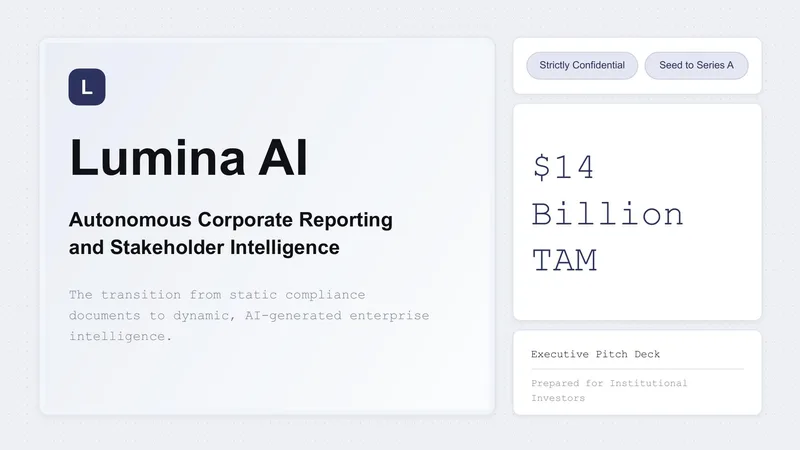
Engineered for founders and high-growth startups targeting institutional investors, this 10-slide PowerPoint pitch deck template features a high-contrast dark theme paired with cyan/mint neon accents. The modern aesthetic combines sleek typography, line-chart graphics, and dark UI mockups to deliver maximum visual impact with structured clarity. Key layouts include an attention-span graph, three-column framework breakdowns, nested TAM/SAM/SOM market size diagrams, revenue model cards, metric callout dashboards, competitive matrix positioning charts, financial growth line plots, team profile cards, and a clear capital allocation donut chart. Choose this presentation template to present complex venture data, unit economics, and growth metrics effortlessly while maintaining a polished, institutional-grade brand presence.
Purpose
This presentation template is designed for Seed and Series A venture fundraising pitch decks, investor update presentations, SaaS growth reviews, product showcase demos, and strategic expansion proposals. It provides high-impact layouts to highlight market size opportunity, business traction, key financial metrics, competitive positioning, team credentials, and fund allocation requests directly to venture capital firms and angel investors.
Who it's for
This deck is designed for early-stage to growth-stage startup founders, SaaS entrepreneurs, venture studio managers, corporate strategy leads, fractional CFOs, and financial consultants who need to pitch high-stakes business opportunities to investors, partners, and key stakeholders.
Advertisement
Customization notes
To customize this deck, update the primary cyan accent color using PowerPoint’s central Theme Colors palette to align with your startup's brand kit. Replace placeholder photos in the team slide by using the image shape fill options. Easily edit all numeric callouts, metric tables, and vector chart components by directly selecting and modifying text boxes and native chart data tables.
More templates in Business & Corporate